

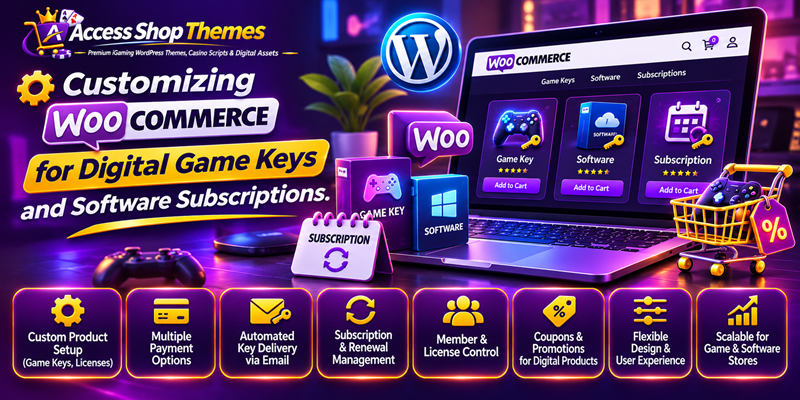
Customizing WooCommerce for Digital Game Keys and Software Subscriptions – WooCommerce provides an adaptable foundation for building online stores on WordPress. However, its default configuration targets physical retail businesses that ship tangible boxes. Selling digital game keys, software licenses, and recurring memberships requires a completely different technical workflow. Therefore, store owners must modify standard cart behaviors, checkout forms, and delivery pipelines.
Customizing WooCommerce for Digital Game Keys and Software Subscriptions
Without these adjustments, buyers face unnecessary delays and confusing shipping prompts. Consequently, conversion rates drop while customer support tickets multiply rapidly. In this guide, we explore practical ways to tailor WooCommerce for digital gaming storefronts and software vendors. Applying these structural customizations will create a fast, automated, and secure buying experience.
1. Remove Unnecessary Checkout Fields
Physical stores require street addresses, postal codes, and shipping carrier selections. Conversely, digital product buyers only need a valid email address and payment method. Asking for home addresses during a digital game key purchase creates friction and increases cart abandonment.
You can resolve this issue by enabling the Virtual and Downloadable checkboxes on every product page. Additionally, use a lightweight checkout field editor plugin or custom code snippets to hide billing address lines. Keeping the checkout screen clean allows customers to finish their orders within seconds.
2. Automate License Key Generation and Delivery
Manual order fulfillment cannot scale when selling hundreds of activation codes daily. Therefore, integrating an automated license manager extension becomes essential for your store operations. These specialized tools allow you to upload encrypted batches of game keys or generate unique software serials dynamically.
Once a payment clears, the system automatically assigns an unused code to the customer order. Furthermore, WooCommerce sends an instant confirmation email containing the activation key and setup instructions. Buyers can also view their active licenses inside their account dashboard anytime.
3. Configure Recurring Software Subscriptions
Many modern gaming utilities, server tools, and web templates rely on recurring billing models. Standard WooCommerce handles one-time payments well, yet it lacks native subscription logic. Installing a dedicated subscription management module solves this limitation effectively.
With recurring billing enabled, you can offer monthly, quarterly, or annual software plans. Moreover, you can set up free trial periods, sign-up fees, and automated renewal reminders. If a subscriber cancels their membership, the system automatically revokes their software license key without manual intervention.
4. Enable Instant Order Completion
By default, WooCommerce places paid orders into a Processing status until an administrator reviews them. This workflow makes sense when warehouse staff need time to pack physical parcels. However, digital buyers expect immediate access to their game keys or software files right after payment.
You can override this default behavior by adding a simple PHP filter to your child theme functions file. This adjustment forces all paid virtual orders to switch directly to the Completed status. As a result, automated key delivery triggers immediately without waiting for human approval.
5. Implement Download Protection and Fraud Prevention
Digital goods face unique risks regarding unauthorized file sharing and fraudulent chargebacks. Therefore, store administrators must configure strict file security settings inside the WooCommerce dashboard. Always select the Force Downloads or X-Accel-Redirect method to hide direct server file paths from public browsers.
Additionally, set clear download limits and link expiration timers for every software package. Pairing these rules with automated fraud screening tools helps block suspicious transactions before activation keys leave your inventory. Protecting your digital assets safeguards both your revenue and software publisher partnerships.
6. Optimize the Customer Account Dashboard
A well-organized user dashboard reduces repetitive support inquiries significantly. Standard WooCommerce account pages display basic order histories and physical address tabs. You should customize this navigation menu to highlight digital assets instead. Essential Features Every Online Slot Review Website Theme Needs
Rename standard tabs or add dedicated sections for My Game Keys, Active Subscriptions, and Software Downloads. Presenting activation codes alongside clear redemption guides empowers users to solve setup questions independently. Consequently, your support team saves hours every week while customer satisfaction improves.
Conclusion
Tailoring WooCommerce for digital game keys and software subscriptions transforms a standard shop into an automated distribution hub. By stripping away physical shipping fields, automating license delivery, configuring recurring billing, and securing file paths, you deliver a seamless buyer journey. Review your current storefront workflow today, apply these targeted customizations, and scale your digital gaming business efficiently.